

Every animal on bask is listed by the keeper or breeder who has it. You talk to them directly, agree the sale between you, and arrange collection or courier with them.
Finding an animal
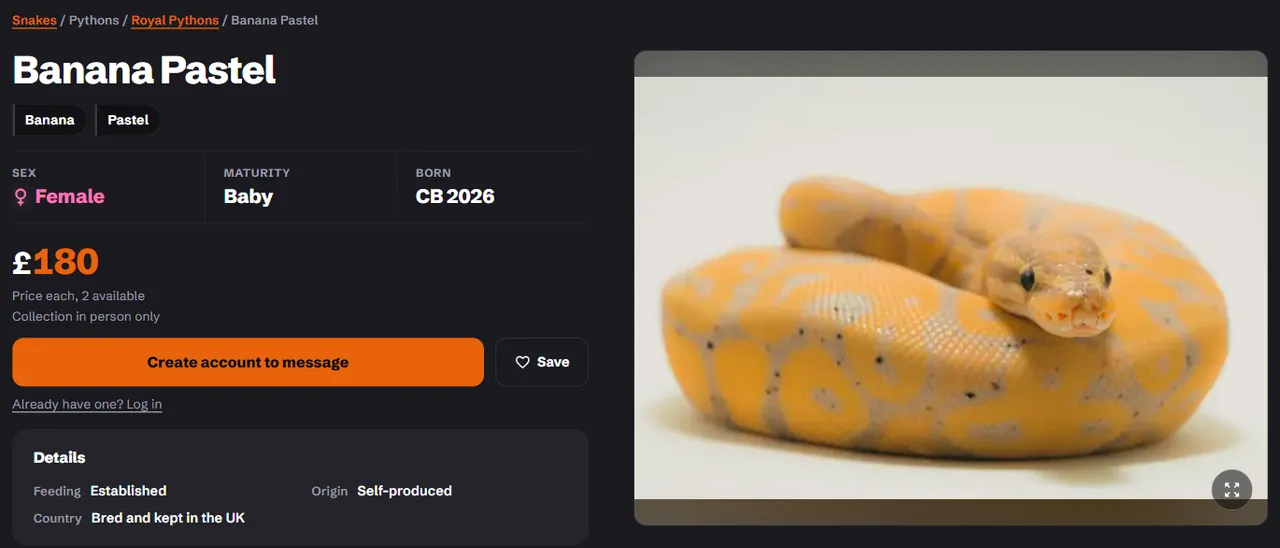
Browse a section from the Snakes and Lizards menus, or search for a morph at the top of any page. Filter by morph, sex, price and more. Each advert shows the facts a buyer asks about: hatch year, origin, morphs, feeding for a baby, and how the seller gets it to you.
Saving and following
- Tap the heart on any listing to save it. Saved animals are on Favourites, and you hear when one drops in price. Saved before signing in? They move into your account when you sign in.
- Choose Follow store on a store page to hear when it lists something new. Stores you follow are on Following.
Messaging a seller
- Create an account and sign in.
- On the advert, choose Message Seller.
- Read the description and the seller's policy, then write your message. The suggestions, such as "Feeding record?" or "Photos of the parents?", are a good start.
- Agree to the seller's policy and send.
The reply arrives in your Messages, and bask lets you know by email and in the app. Keep the conversation on bask. A seller who asks you to move to WhatsApp or pay by bank transfer before you've seen the animal is a reason to slow down.
Some morphs carry breeding guidance. Where they do, you'll be asked to confirm you've read it before your message goes.
You can also ask a public question on an advert. The seller's answer shows on the listing for everyone.
Reviews
Only a confirmed buyer can review a store. When the seller marks the animal sold and names you as the buyer, bask invites you to leave a review. You can review each store once.
Notifications
Choose how bask tells you about messages, answers, price drops and new listings on Notifications. Each one can be on or off, by push and by email.
Something wrong?
Use Report on any advert or store that breaks the selling rules, and a moderator will look at it.